CapCut vs Opus Clip: Editor vs Auto-Clipper Compared (2026)
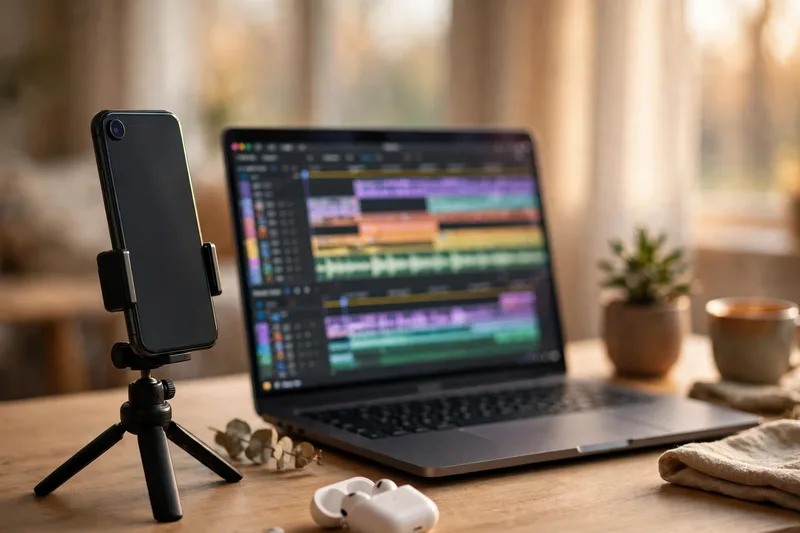
CapCut and Opus Clip are often listed side by side as "AI video tools," which makes them sound like direct rivals. They are not. Comparing them as if they do the same job is the fastest way to buy the wrong one. CapCut is an editor: you bring clips, cuts, captions, and music together yourself. Opus Clip is an automatic clipper: you give it one long video, and it finds, cuts, and packages short clips from it for you.
That difference decides everything else — the pricing, the workflow, the kind of creator each tool suits, and the kind of frustration each one can cause. This guide compares them honestly as of November 2026, explains where each one earns its money, and helps you decide whether you need an editor, a clipper, both, or neither.
On this page
CapCut vs Opus Clip at a glance
Start with this table, then read the workflow section carefully. The single most important row is the first one: what the tool actually does.
| What you are comparing | CapCut | Opus Clip |
|---|---|---|
| Core job | Manual video editor — you make the cuts | Automatic clipper — it finds and cuts highlights for you |
| Input | Your clips, photos, audio, and screen recordings | One long video, usually via a link or upload |
| Output | Finished videos in any length or format | Short vertical clips cut from the long source |
| Free plan | $0 | $0, with 60 credits/mo as of November 2026 |
| Paid starting price | Standard at about $9.99/mo (mobile) as of November 2026 | Starter at $15/mo as of November 2026 |
| Main paid tier | Pro at about $19.99/mo or $179.99/yr as of November 2026 | Pro at $29/mo or $14.50/mo billed annually ($174/yr) as of November 2026 |
| Watermark on free | Depends on template and export path | Yes — free exports are watermarked as of November 2026 |
| Captions | Auto-captions you can style and edit by hand | Auto-captions generated for each clip |
| Creative control | High — every cut, effect, and sound is your choice | Low to medium — you review and adjust what the AI picked |
| Time per short | Minutes to an hour, depending on your editing | Minutes of review once the AI has processed the source |
| Best for | Creators who edit original short-form video | Podcasters, streamers, and speakers repurposing long video |
| Key catch | Prices vary by region and device; no fixed price sheet | Free exports expire after 3 days as of November 2026 |
Different jobs: editor vs clipper
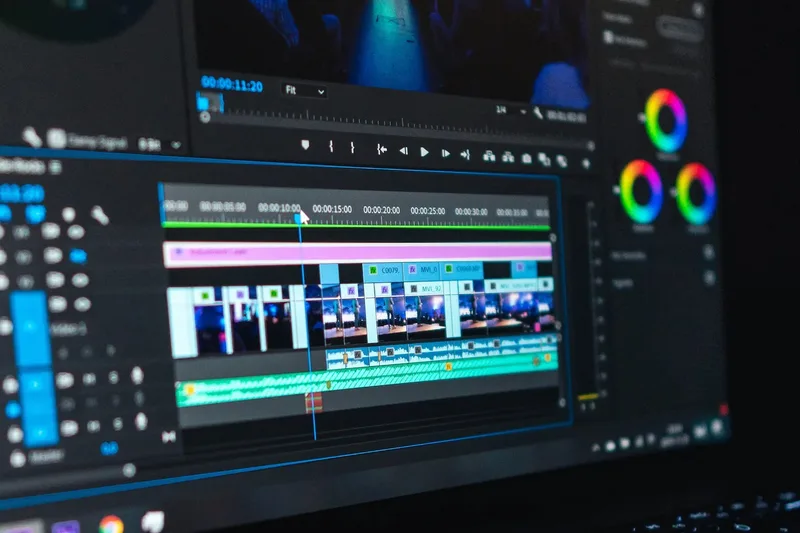
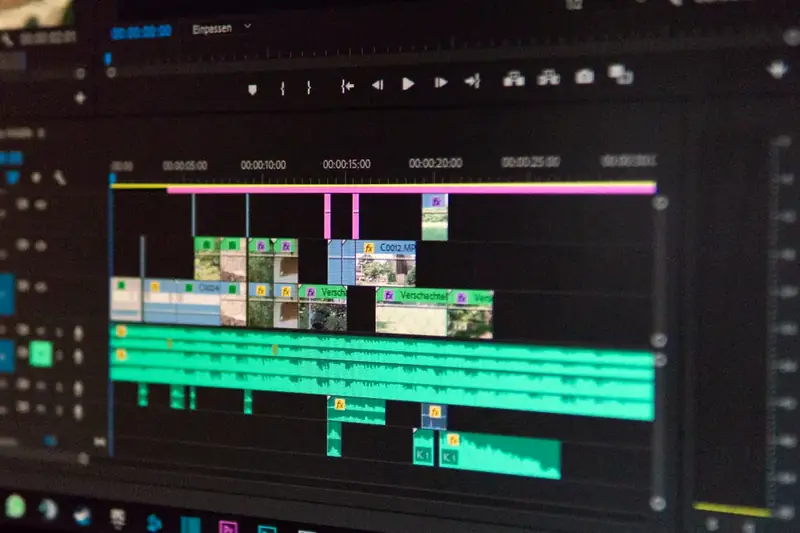
Think of CapCut as the workbench. You import footage, trim it, add captions, music, and effects, and export a finished video. The result depends mostly on you. Its AI features — auto-captions, background removal — speed up steps inside that manual process, but the process is still yours. Our comparison of AI video editors compared places CapCut among the hands-on editors where it belongs.
Think of Opus Clip as the assistant who watches your long video first. You supply a podcast, livestream, interview, or talk. It selects moments it judges clip-worthy, cuts them into vertical shorts, adds captions, and ranks them. Your job shrinks to reviewing, rejecting the weak ones, and polishing the keepers — the repurposing system in our AI video workflow guide.
Neither job is better in the abstract. A faceless channel making original Shorts needs an editor; a coach with one hour-long video a week needs a clipper. Confusing the two leads to buying Opus Clip with no long videos to feed it, or spending evenings in CapCut hunting highlights a clipper would surface in minutes.
Pricing, credits, and what you actually get
All prices below are as of November 2026. Read the CapCut note carefully, because its pricing works differently from most tools we cover.
| Plan | Price | What you get |
|---|---|---|
| CapCut Free | $0 | Core editor with a wide range of free tools and effects |
| CapCut Standard | About $9.99/mo (mobile) as of November 2026 | More effects, storage, and premium features on mobile |
| CapCut Pro | About $19.99/mo or $179.99/yr as of November 2026 | Full premium feature set across the editor |
| Opus Clip Free | $0, 60 credits/mo as of November 2026 | Watermarked exports; exports expire after 3 days |
| Opus Clip Starter | $15/mo (monthly only), 150 credits as of November 2026 | Unwatermarked workflow for light repurposing |
| Opus Clip Pro | $29/mo or $14.50/mo billed annually ($174/yr), 300 credits as of November 2026 | Higher credit allowance for regular publishers |
| Opus Clip Business | Custom as of November 2026 | Team and high-volume pricing by agreement |
CapCut pricing needs a warning label. CapCut publishes no fixed price sheet. Prices vary by region and device and are confirmed at checkout, so the figures above — Standard at about $9.99 a month on mobile and Pro at about $19.99 a month or $179.99 a year as of November 2026 — are the commonly shown prices, not a promise. Always check the price on your own device, in your own app store, before you commit, and be careful comparing a mobile price with a desktop or web price.
Opus Clip pricing runs on credits. As a rule of thumb, about 1 credit covers about one source minute, so a 60-minute podcast costs roughly 60 credits to process. That makes the tiers easy to translate into real work: the free plan's 60 credits a month as of November 2026 covers about one hour-long video; Starter's 150 credits cover about two and a half hours; Pro's 300 credits cover about five hours. For a full breakdown of the tiers and credit math, see our dedicated Opus Clip pricing guide.
Workflow, control, and quality
With CapCut, your workflow is: shoot or gather, import, cut, caption, style, export. Every decision is yours, so the ceiling is high — and the cost is time. A polished 45-second Short can take a beginner half an hour or more.
With Opus Clip, your workflow is: paste or upload, wait, review the ranked clips, adjust the keepers, export. The time saving is real for repurposed content. The trade-off is judgment: the AI picks moments by pattern — hooks, emotion, topic shifts — and sometimes misses the moment you would have chosen. Expect to discard a share of every batch.
One feature needs an explicit warning. Opus Clip assigns each clip a Virality Score. Treat that score as a ranking aid that helps you decide which clips to review first — nothing more. It is not a guarantee of views, and no score can promise that a clip will perform. Clips with modest scores regularly outperform high-scored ones, because audience response depends on the topic, the title, the timing, and luck. Anyone who tells you a tool score guarantees views is selling you something.
Pros and cons
CapCut — pros
- Full creative control over every cut, caption, and effect.
- Strong free tier that many creators never need to upgrade from.
- Works for original Shorts, TikToks, Reels, and longer edits alike.
- Auto-captions and templates speed up repetitive editing steps.
CapCut — cons
- Manual editing takes real time, especially while you are learning.
- Prices vary by region and device, confirmed only at checkout, as of November 2026.
- It will not find highlights in a long video for you.
Opus Clip — pros
- Turns one long video into a batch of captioned shorts automatically.
- Ranked results help you review the most promising clips first.
- Credit pricing maps clearly to source minutes, at about 1 credit per minute.
- Pro annual billing halves the monthly price, at $14.50/mo billed annually ($174/yr) as of November 2026.
Opus Clip — cons
- Useless without long source videos to clip from.
- Free exports are watermarked and expire after 3 days as of November 2026.
- The Virality Score is a ranking aid, not a guarantee of views.
- You will discard some AI-selected clips in every batch.
Who each is best for
Pick CapCut if you create original short-form video: faceless Shorts, product demos, tutorials, or edited clips you assemble yourself. It is also the right pick if your budget is tight, since the free tier is capable and the paid tiers start at about $9.99 a month on mobile as of November 2026. Creators building a channel from scratch, including the model in our faceless channel guide, generally need an editor first.
Pick Opus Clip if long video is already your raw material. Podcasters, streamers, webinar hosts, teachers, and speakers can turn each recording into a week of shorts with very little manual editing. Starter at $15 a month as of November 2026 suits light repurposing; Pro at $29 a month, or $14.50 a month billed annually as of November 2026, suits anyone publishing clips daily.
Pick both if you publish at volume: Opus Clip to surface the moments, CapCut to brand and polish them. Pick neither yet if you have not settled your format — make five videos free first, and let the bottleneck you hit tell you which to pay for.
Limitations to know before you pay
Opus Clip's free plan is a trial in disguise: 60 credits a month, watermarked exports, and exports that expire after 3 days as of November 2026. Download anything you want to keep immediately. Also remember that clipping other people's long videos without permission can breach copyright and platform rules; repurpose your own content, or content you have the rights to use.
CapCut's limitation is pricing clarity. Because CapCut publishes no fixed price sheet and prices vary by region and device, the price a US creator sees on desktop may differ from the mobile price quoted in a review. Confirm your price at checkout as of November 2026 before budgeting around it. With both tools, keep your source files backed up outside the app, and never rely on either service as your only copy of a finished video.
How we checked this guide
- Checked the official Opus Clip pricing for credit allowances, watermark and expiry terms on the free plan, and monthly versus annual Pro pricing.
- Checked CapCut's in-app pricing on mobile and noted that CapCut publishes no fixed price sheet, so prices are stated as approximate and confirmed at checkout.
- Tested the core workflow of each tool: a manual short edit in CapCut, and an automatic clipping run from a long source video in Opus Clip.
- Verified the credit estimate of roughly 1 credit per source minute against Opus Clip's published plan allowances.
Prices checked: November 2026
Frequently asked questions
Can Opus Clip replace CapCut?
No, because they do different jobs. Opus Clip automatically cuts shorts from long videos, but it is not a full editor for building original videos from raw clips. Many creators use Opus Clip to find moments and CapCut to polish them. If you only make original shorts, you need the editor, not the clipper.
Is CapCut really free?
Yes, the core editor is free at $0, and many creators publish with it without paying. Paid tiers — Standard at about $9.99 a month on mobile and Pro at about $19.99 a month or $179.99 a year as of November 2026 — add premium effects and features. Note that CapCut publishes no fixed price sheet, so confirm your price at checkout.
What does the Opus Clip Virality Score mean?
It is the tool's ranking of how promising it judges each clip to be, useful for deciding what to review and post first. It is a ranking aid only — it is not a guarantee of views, and lower-scored clips can and do outperform higher-scored ones.
How far do Opus Clip credits go?
Roughly one credit covers one minute of source video. The free plan's 60 credits a month as of November 2026 covers about one hour-long recording, Starter's 150 credits cover about two and a half hours, and Pro's 300 credits cover about five hours of source video.
Which should a beginner buy first?
Start free on both. If you make original short videos, your first paid tool should usually be the editor, CapCut. If you already record long videos every week and cannot keep up with clipping them, Opus Clip Starter at $15 a month as of November 2026 is the more useful first purchase.
The bottom line
Do not ask which tool is better; ask which job you have. CapCut is the editor for creators who make videos by hand and want control. Opus Clip is the clipper for creators sitting on long recordings who want shorts produced automatically. The prices as of November 2026 reflect that: CapCut sells you a better workbench, Opus Clip sells you saved hours.
Start with the free tiers, feed each tool a real project, and upgrade only the one that removes your actual bottleneck. That single test will tell you more than any score — including a Virality Score — ever will.
Get the free Budget Planner
One short, honest email a week with the newest guides and tools — plus the printable Budget Planner (a 50/30/20 worksheet and a 4-week spending tracker) as a welcome gift. No spam, unsubscribe anytime.
You’re in! Thanks for joining — your first email lands this week.
Your planner is ready — download it here