AI Tools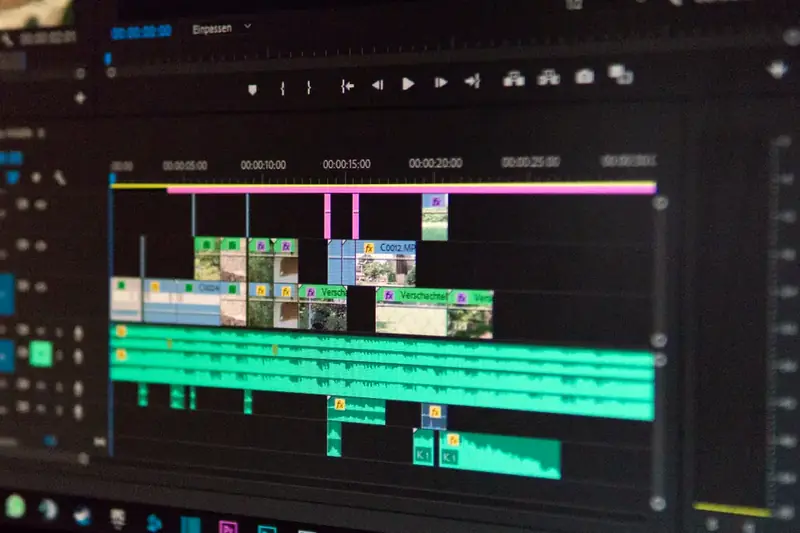
The $0 AI Video Workflow: Script to Upload With Free Tools Only
You do not need a budget to start publishing AI-assisted video. You need a sequence. Here is the exact free workflow, timed.
The stack (all $0)
- Script: ChatGPT or Claude free tier + your rewrite
- Voice: CapCut built-in voices, or ElevenLabs free characters for Shorts
- Visuals: Pexels/Pixabay stock, or your own slides in Canva
- Edit: CapCut desktop — captions, cuts, music
The afternoon workflow
- 0:00–0:40 — Write and rewrite the script. Read it aloud twice.
- 0:40–1:10 — Generate voice, fix pronunciations, export audio.
- 1:10–2:10 — Match one visual per script beat. Change something on screen on schedule.
- 2:10–2:40 — Captions on, music low under voice, hook check: would you stop scrolling?
- 2:40–3:00 — Title, description, upload. Log it in your tracker.
Quality rules that cost nothing
Thick, high-contrast captions (readable on any background). No clip plays twice. One idea per video. Publish on schedule — consistency beats intensity for the first 90 days.
Enjoying CentsibleTools? New guides publish every Tuesday and Friday. The best next step is the guide that matches your goal — AI tools, a first side income, or getting your budget under control first.