AI Tools Guides: Tested Tools for Creators & Beginners (2026)

This page collects every CentsibleTools guide about AI tools in one place: the tools we have tested for writing, video, voice, images, and selling, organized by the job you are trying to get done. Every guide here was written for beginners and creators in the United States who are starting from zero — no team, no studio, and no budget for software that does not pull its weight.
On this page
How we test AI tools
We do not review tools from their landing pages. Each tool in these guides was opened, signed up for, and run through the real workflow it claims to help with: scripting a video, cutting a long recording into Shorts, generating a voiceover, or drafting a product listing. We note how long the workflow actually takes, where the free tier stops, what the first paid tier really costs on the official pricing page, and whether the output was usable without heavy editing. When a tool disappointed us, the guide says so and names the free alternative we used instead.
Free first, paid only when it earns it
The philosophy across all of these guides is free first. A beginner rarely needs five subscriptions; they need one reliable workflow. That is why the guides start with free tiers and free tools, show the exact moment an upgrade starts to make sense — usually when a watermark, an export limit, or a time cost starts blocking real work — and treat every paid recommendation as something that has to earn its monthly fee. Prices are checked on official sites and carry a last checked date, because AI pricing changes constantly and last year's comparison is often wrong today. If you want the short version of the whole philosophy, our guide to the best free AI tools assembles the complete $0 stack in one place.
What these guides cover
The collection is grouped around the work, not the brands:
- Writing and scripts — ChatGPT workflows for video scripts, hooks, and weekly creator admin, with copy-and-paste prompts.
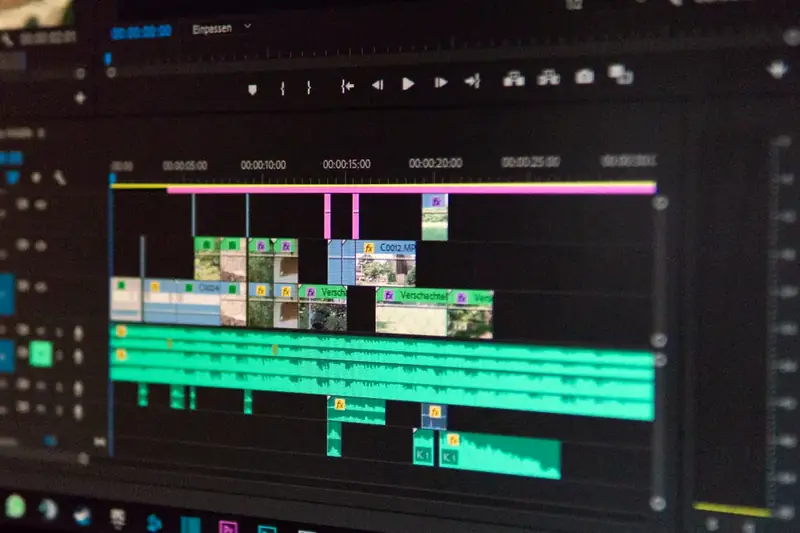
- Video — a complete free workflow from script to upload, honest comparisons of the editors creators ask about most, and what Opus Clip actually charges.
- Voice and images — how to make AI voiceovers sound human, and what AI images are good for, including the copyright traps to avoid.
- Selling and side income — AI tools for Etsy and print-on-demand sellers, free tools that replace paid software, and side hustles that use AI without breaking platform rules.
Where to start
If you are brand new, start with the free tools guide, then pick the one workflow closest to your goal — scripts if you publish video, Etsy tools if you sell products, voiceovers if your channel is faceless. You do not need to learn all of these tools. One tool, learned properly and used every week, beats a folder of trials you never finish. The cards below link to every guide in this section, in the order we recommend reading them.
Get the free Budget Planner
One short, honest email a week with the newest guides and tools — plus the printable Budget Planner (a 50/30/20 worksheet and a 4-week spending tracker) as a welcome gift. No spam, unsubscribe anytime.
You’re in! Thanks for joining — your first email lands this week.
Your planner is ready — download it here